Click User Overview
Click User provides the option to send a link via email and text campaigns that gives the user advanced payment options compared to QuickPay that include payment plans without having to create an account and login.
Using Click User Links in Campaigns
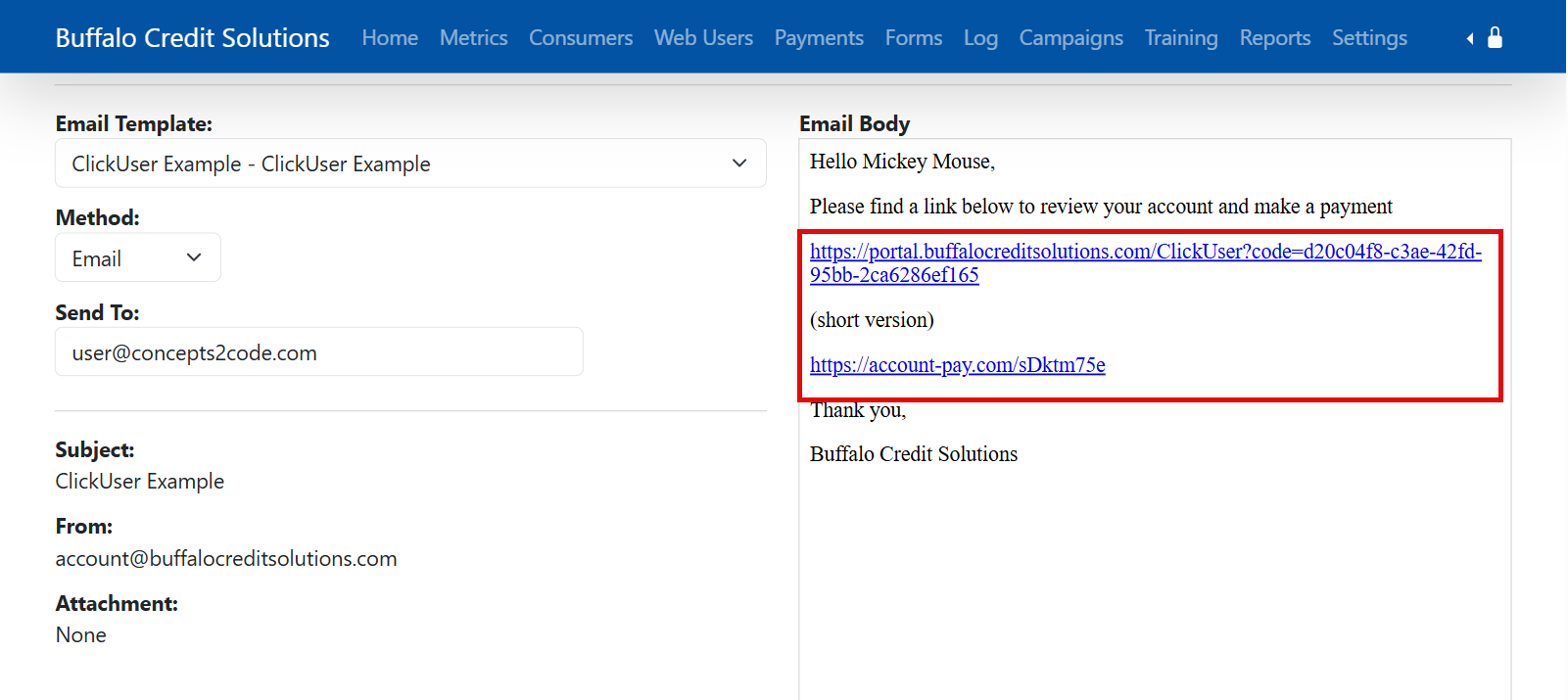
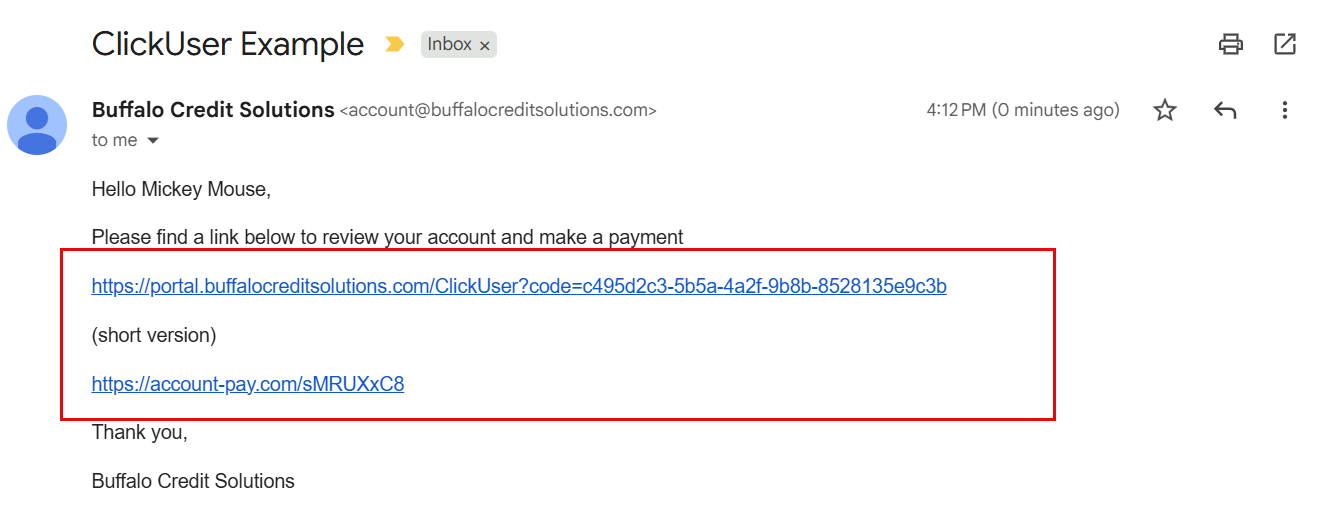
When creating a template for a campaign there are two new replacements available [ClickUserLink] and [ShortLinkClickUser] both of these will generate a link in the final delivery correspondence that when clicked will take the user to the Payment Portal website with access to the account the campaign generated from.
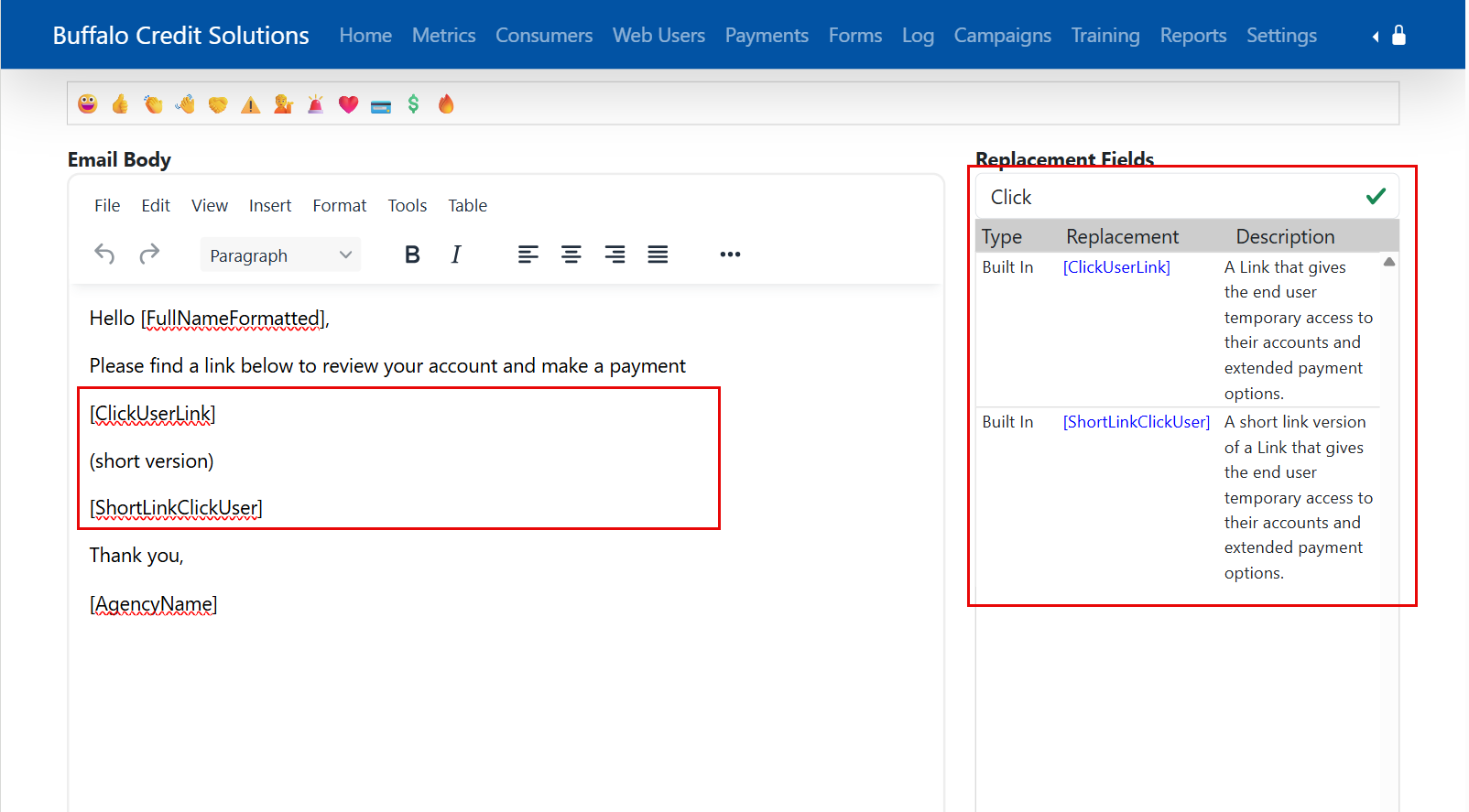
Consumer Email Example
(Consumer Send Email Preview)
(From Email)
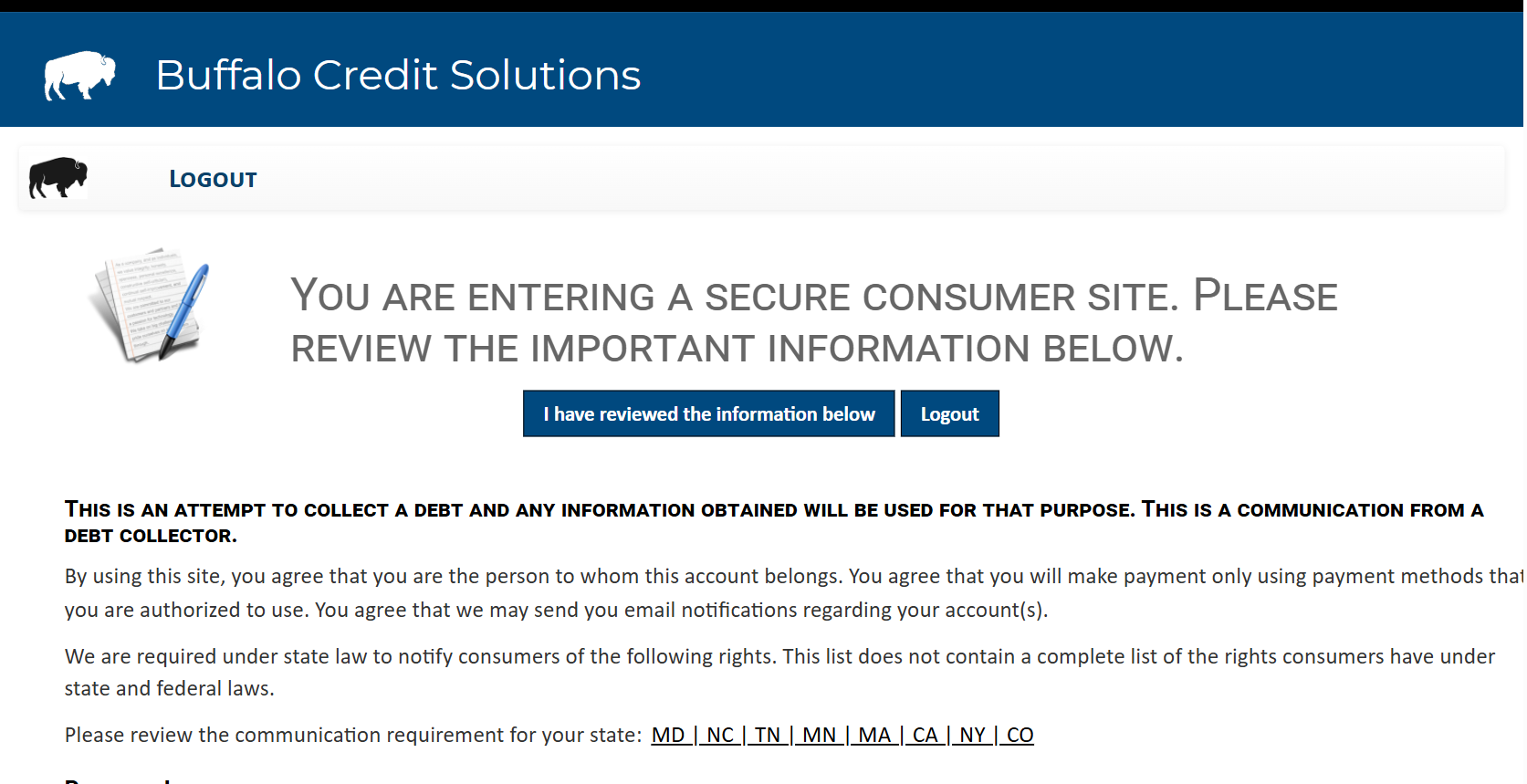
Portal Click User Entry
The user will be presented with the same disclosure information as a normal account, and then will be presented with their account and payment options.
(Disclosure Page)
(Account Summary)
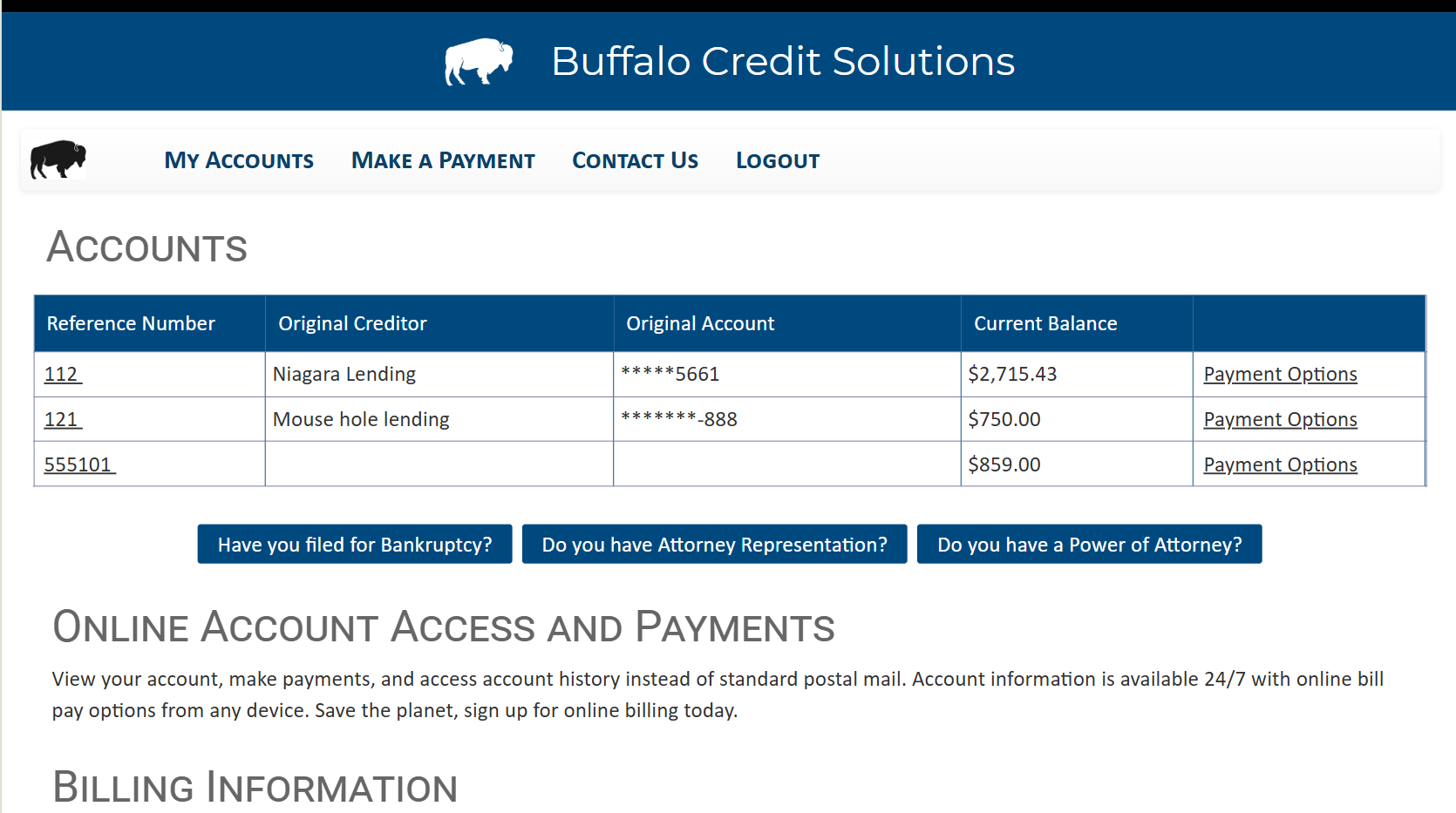
Note: Information like Profile and Account Documents are not available to ClickUser access.
Automatic Account Linking
When the ClickUser link is navigated to, the portal will check if their are any related accounts and provide access to them as well.
Log Review
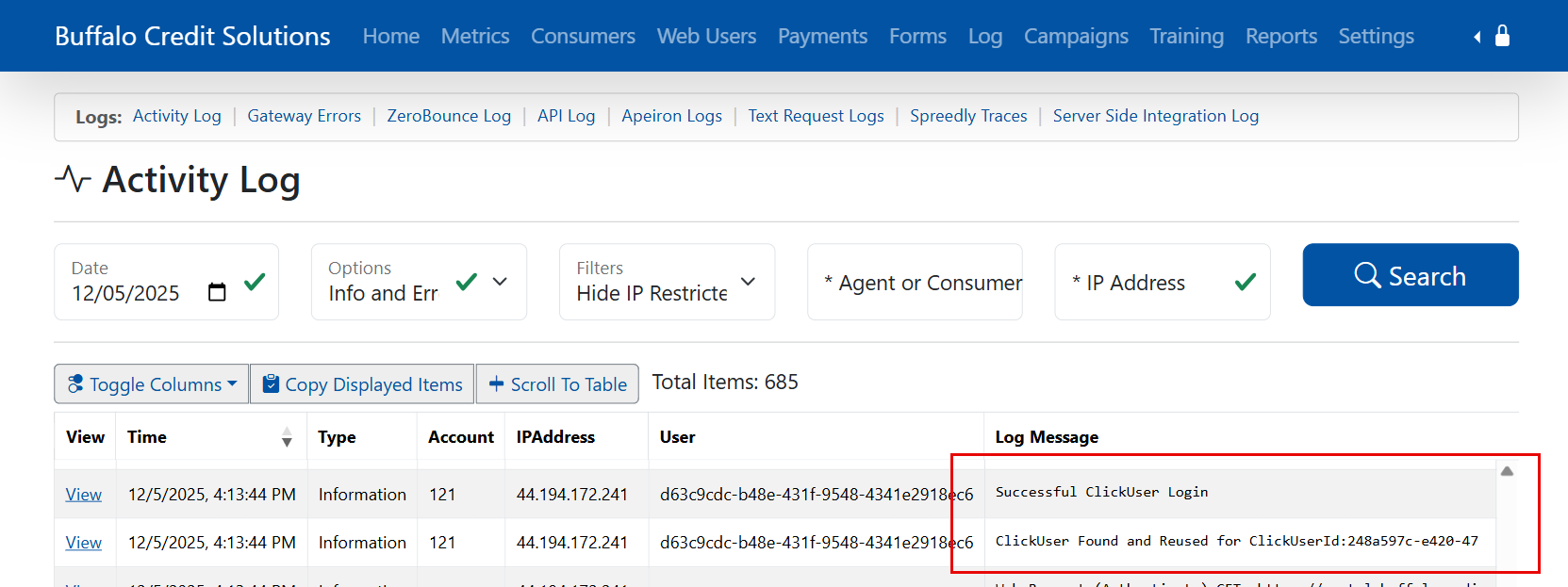
Admin logs will indicate ClickUser Logins
Was this article helpful?
That’s Great!
Thank you for your feedback
Sorry! We couldn't be helpful
Thank you for your feedback
Feedback sent
We appreciate your effort and will try to fix the article